Physical Address
304 North Cardinal St.
Dorchester Center, MA 02124

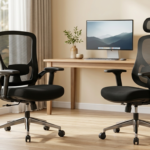
Choosing the best gaming monitor isn’t as easy as simply deciding on the one with the highest refresh rate or lowest price. There are plenty of great 27-inch 1440p gaming monitors out there in 2026. But not all of them are right for every gamer.
Whether you’re an esports enthusiast, a fan of cinematic AAA games or a casual gamer, it’s important to know the essential factors that will enhance your gaming experience and save you money before you make any purchases.
For the majority of PC gamers, the 27-inch 1440p gaming monitor is the ideal choice. It requires way less GPU power than a 4K display but is way sharper than 1080p. That’s why so many hardware reviewers and veteran gamers still recommend a 27-inch QHD monitor as the best mix of performance and picture quality.
The combination of a 27-inch screen and 2560×1440 (QHD) resolution provides excellent pixel density. Images appear sharper than Full HD without the heavy performance demands of 4K gaming.
Compared to a 1080p monitor, you’ll notice:
For gamers using graphics cards like the RTX 4070, RTX 5070, RX 7800 XT, or newer GPUs, 1440p gaming is currently one of the best resolutions for balancing high frame rates with outstanding visual quality.
Before buying any gaming monitor, don’t focus only on the refresh rate. Several other specifications have a major impact on your gaming experience.
A higher refresh rate creates smoother gameplay.
If your PC can’t consistently produce high frame rates, buying an expensive 240Hz monitor may not provide much additional benefit.
Most modern gaming monitors use IPS, VA, or Mini-LED panels.
IPS panels provide accurate colors, wide viewing angles, and excellent motion handling. They’re a great all-around choice for both gaming and content creation.
VA panels deliver much deeper blacks and higher contrast, making them ideal for immersive single-player games.
Mini-LED displays combine impressive brightness with significantly better HDR performance, offering one of the best visual experiences available today.
Response time determines how quickly pixels change between colors.
For competitive gaming, choose a monitor with a 1ms Gray-to-Gray (GtG) response time or faster to reduce motion blur and ghosting.
Screen tearing can ruin gameplay. Look for monitors supporting:
These technologies synchronize your monitor with your graphics card, producing smoother gameplay.
| Brand | Acer |
| Screen Size | 27 Inches |
| Resolution | QHD Wide 1440p |
| Aspect Ratio | 16:9 |
| Screen Surface Description | Matte |
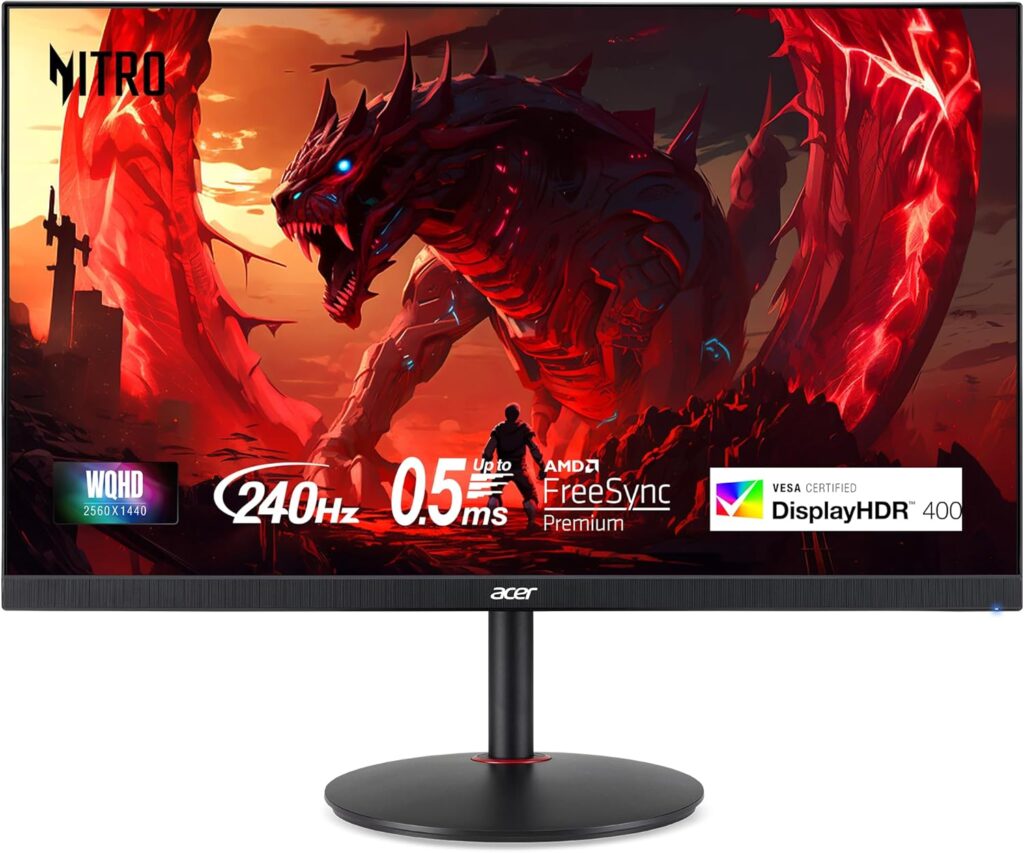
Acer Nitro XV272U W2 is an excellent choice for gamers who want a fast and responsive display without spending a premium price. It features a 27-inch Fast IPS panel with a 2560 × 1440 (QHD) resolution, delivering sharp visuals and vibrant colors. The standout feature is its 240Hz refresh rate, which provides ultra-smooth gameplay in fast-paced games like Counter-Strike 2, Valorant, Apex Legends, and Call of Duty.
With a 0.5ms response time (GtG), ghosting and motion blur are kept to a minimum, making it ideal for competitive gaming. The monitor also supports AMD FreeSync Premium to reduce screen tearing and stuttering.
| Brand | Alienware |
| Screen Size | 27 Inches |
| Resolution | QHD Wide 1440p |
| Aspect Ratio | 16:9 |
| Screen Surface Description | Matte |
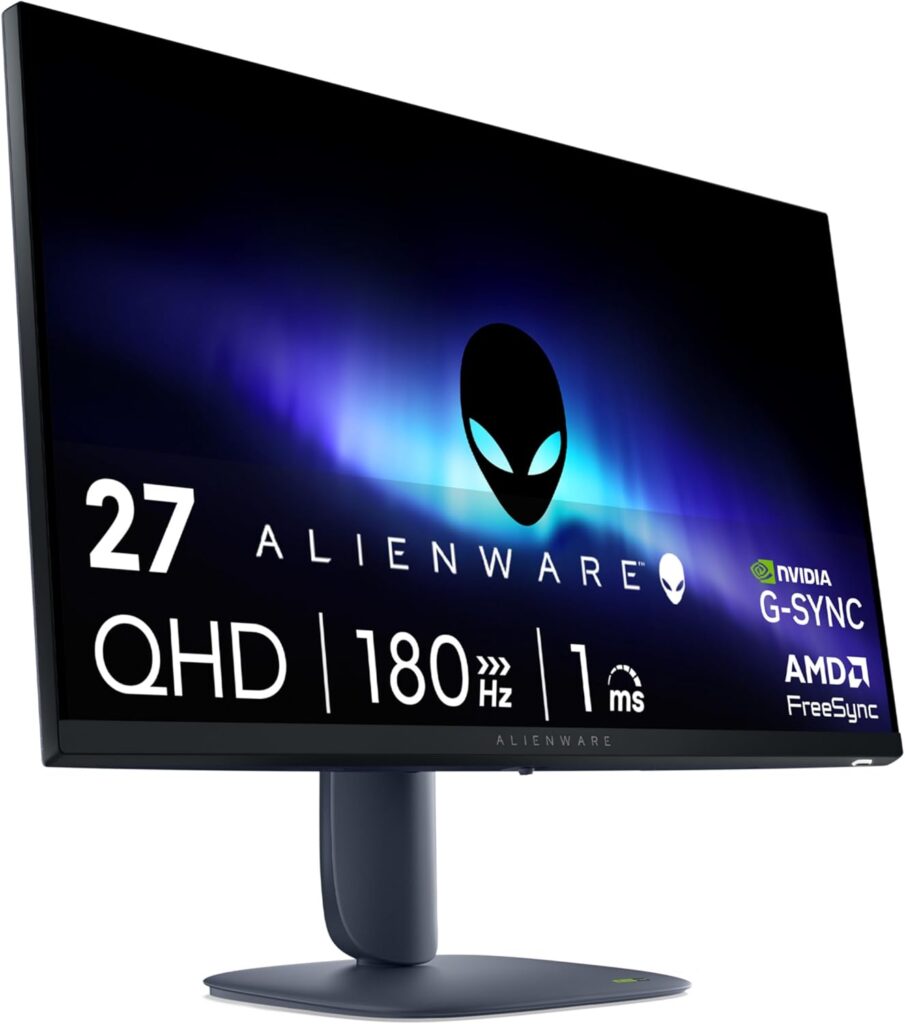
If you’re looking for premium build quality and outstanding image performance, the Alienware AW2725DM is one of the strongest options available. It features a 27-inch IPS display with a 180Hz refresh rate, delivering incredibly smooth gameplay while maintaining excellent color accuracy.
One of its biggest strengths is motion clarity. Combined with NVIDIA G-SYNC Compatible, AMD FreeSync Premium, and VESA AdaptiveSync, the monitor minimizes tearing and stuttering even during intense gaming sessions. Its sleek Alienware design and sturdy ergonomic stand also make it a great addition to any gaming setup.
| Brand | AOC |
| Screen Size | 27 Inches |
| Resolution | QHD Wide 1440p |
| Aspect Ratio | 16:9 |
| Screen Surface Description | Glossy |
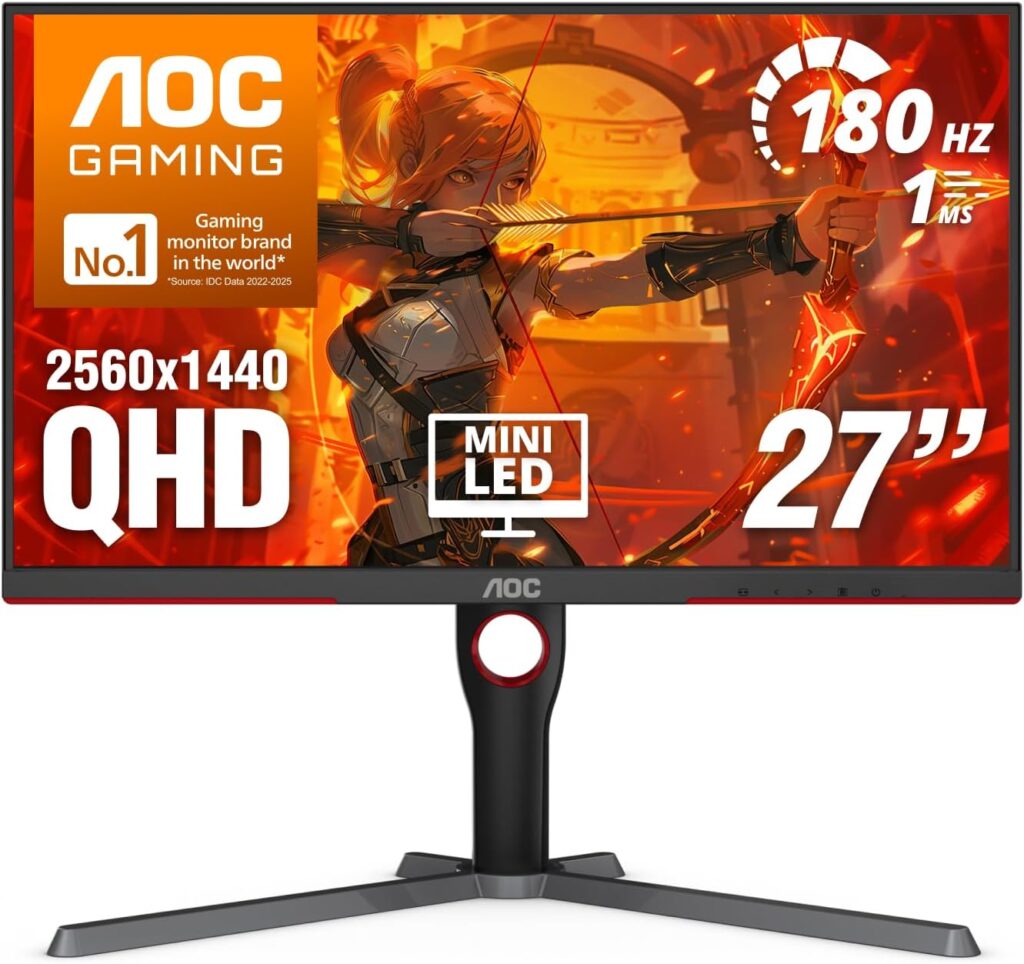
If you’re looking for a gaming monitor that delivers stunning HDR performance without spending OLED-level money, the AOC Q27G3XMN is one of the best options available. Unlike traditional IPS displays, this monitor features a Mini-LED VA panel, allowing it to produce deeper blacks, brighter highlights, and significantly better contrast.
With a 27-inch QHD (2560 × 1440) display, 180Hz refresh rate, and 1ms GtG response time, it handles both competitive and story-driven games with ease. The monitor is also DisplayHDR 1000 certified, making HDR-supported games like Cyberpunk 2077, Alan Wake 2, and Horizon Forbidden West look much more realistic.
| Brand | LG |
| Screen Size | 27 Inches |
| Resolution | QHD Ultra Wide 1440p |
| Aspect Ratio | 16:9 |
| Screen Surface Description | Matte |
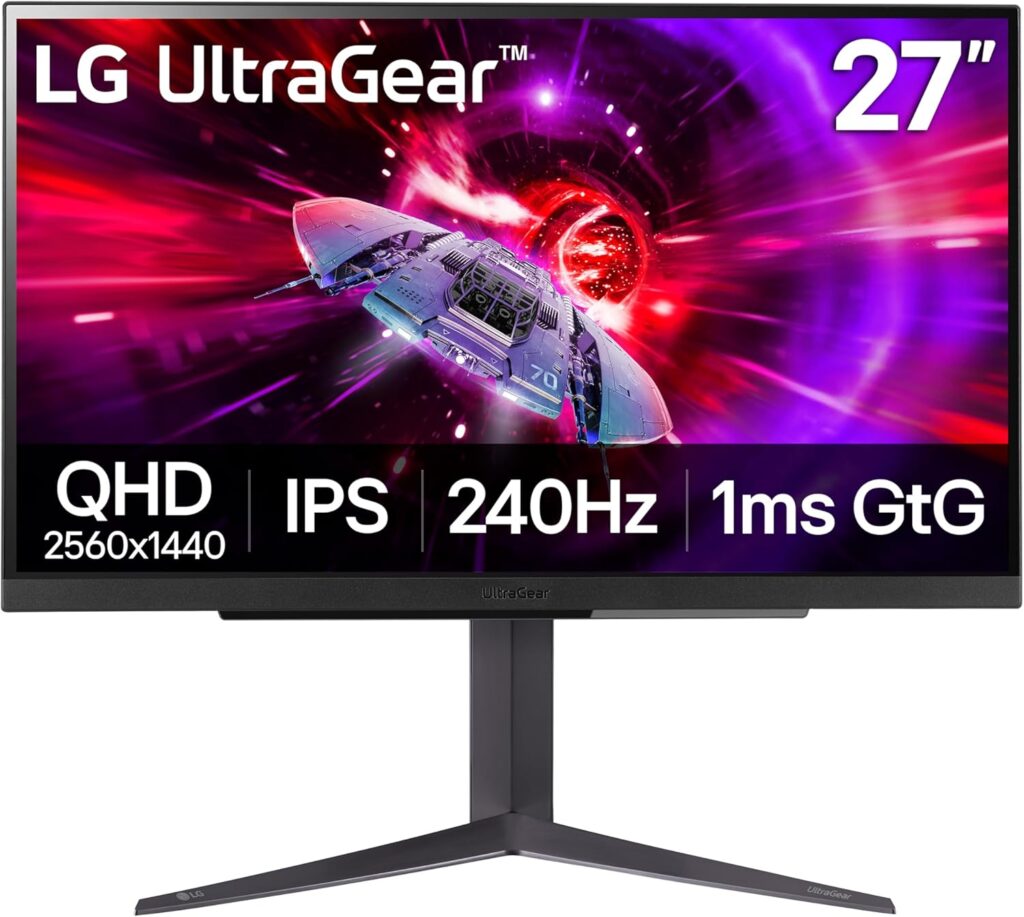
LG UltraGear 27GR83Q-B has become one of the most recommended 27-inch 1440p gaming monitors by hardware reviewers and gaming communities. It combines a Fast IPS panel, 240Hz refresh rate, and HDMI 2.1 connectivity, making it an excellent choice for both PC and console gamers.
Its factory color calibration is impressive, offering accurate colors straight out of the box. Motion handling is also excellent, making it ideal for fast-paced esports games where every frame matters.
| Brand | ASUS |
| Screen Size | 26.5 Inches |
| Resolution | QHD 1440p |
| Aspect Ratio | 16:9 |
| Screen Surface Description | Matte |
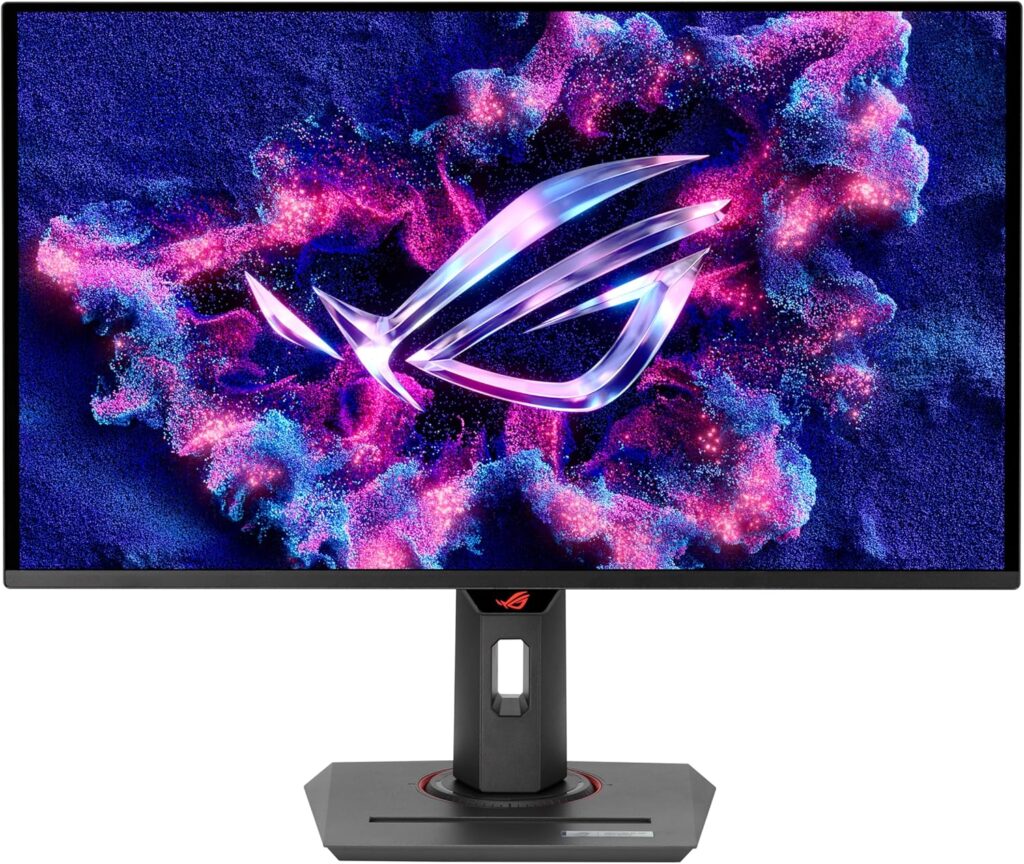
If you need a monitor that performs equally well for work and gaming, the ASUS ROG Strix XG27ACS deserves a place on your shortlist. It features a 27-inch Fast IPS display, 180Hz refresh rate, and USB-C connectivity, making it a versatile option for modern setups.
The monitor delivers excellent color accuracy and sharp QHD visuals, making it suitable for content creators, students, and professionals who also enjoy gaming after work.
Absolutely. In my opinion, a 27-inch 1440p gaming monitor continues to offer the best balance between image quality, performance, and price. It delivers sharper visuals than 1080p without demanding the powerful hardware required for smooth 4K gaming.
It depends on the games you play. If you’re mainly into competitive titles like Valorant, CS2, or Apex Legends, a 240Hz gaming monitor can provide smoother motion and lower input lag. However, for most gamers, a good 180Hz monitor already delivers an excellent experience.
If I had to recommend one panel type for most people, I’d choose Fast IPS because it offers excellent colors, wide viewing angles, and fast response times. However, if HDR performance and deeper blacks matter more to you, a Mini-LED display like the AOC Q27G3XMN is an excellent alternative.
HDMI 2.1 is useful if you plan to connect modern gaming consoles like the PlayStation 5 or Xbox Series X. For PC gamers, DisplayPort 1.4 is usually the preferred connection for achieving high refresh rates at 1440p.
If competitive gaming is your priority, I’d recommend looking at models with a 240Hz refresh rate and a 1ms response time. Among the monitors in this guide, the Acer Nitro XV272U W2, LG UltraGear 27GR83Q-B, and MSI G274QPX stand out for fast-paced esports titles.
For HDR gaming, the AOC Q27G3XMN is easily one of the strongest choices in this list. Thanks to its Mini-LED backlighting and DisplayHDR 1000 certification, it delivers noticeably brighter highlights and deeper contrast than standard HDR400 monitors.
Choosing the best 27-inch 1440p gaming monitor in 2026 isn’t about buying the most expensive model—it’s about finding the one that fits your gaming style, budget, and hardware. After comparing the latest features and recommendations from trusted reviewers and gaming communities, I believe there are excellent options available for every type of gamer.
If I were shopping on a budget, the MSI G274QPX and Acer Nitro XV272U W2 would be at the top of my list because they offer impressive performance without a premium price tag. For gamers who want outstanding HDR visuals, the AOC Q27G3XMN is hard to beat. And if you’re looking for a premium all-rounder, the Alienware AW2725DM and LG UltraGear 27GR83Q-B are among the safest choices.
Before making your final decision, I recommend comparing the refresh rate, panel type, HDR performance, response time, connectivity, and ergonomics instead of focusing on just one specification. Taking a few extra minutes to compare these features can help you choose a monitor that you’ll enjoy for years to come.
Whether you’re upgrading your current setup or building your first gaming PC, I hope this guide helps you confidently choose the best 27-inch 1440p gaming monitor for your needs in 2026.