Physical Address
304 North Cardinal St.
Dorchester Center, MA 02124
Physical Address
304 North Cardinal St.
Dorchester Center, MA 02124

As an Amazon Associate, Wunely earns from qualifying purchases made through links on this page, at no extra cost to you.
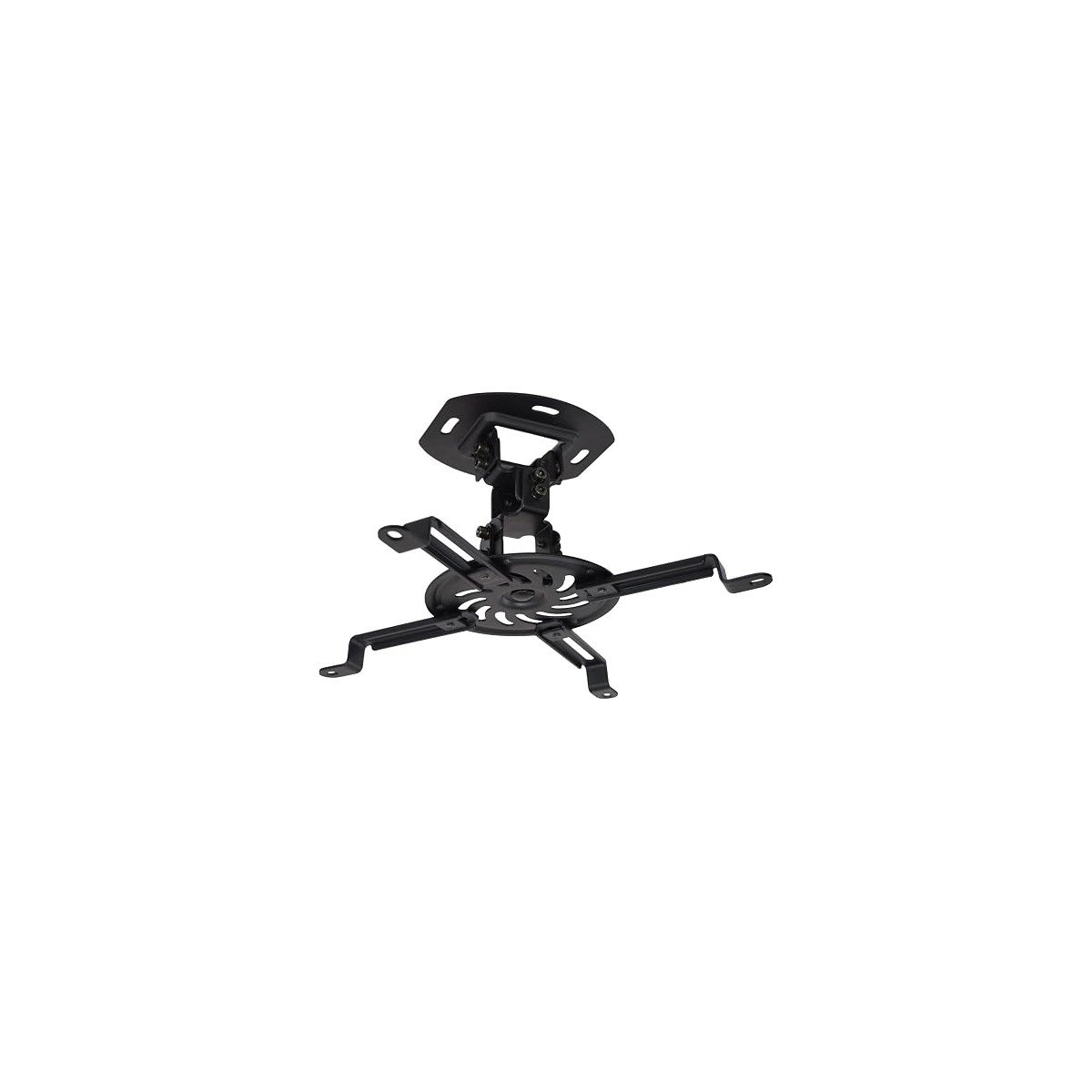
The best projector ceiling mount for most rooms is the VIVO MOUNT-VP01B. It holds up to 30 pounds, keeps the projector just 6 inches below the ceiling and gives you enough tilt, swivel and rotation to square the image without paying for features you will never use. Choose the VIVO MOUNT-VP02B when you need an adjustable drop, or the WALI PM-003-W when your projector is heavier and you want ceiling or wall mounting options in one kit.
Do not buy on capacity alone. Measure the mounting hole spacing, confirm the projector weight and decide how far the lens needs to sit below the ceiling.
| Product | Key spec | Best for |
|---|---|---|
| VIVO MOUNT-VP01B | 30 lb capacity, fixed 6 in drop | Best low profile mount for most people |
| VIVO MOUNT-VP02B | 30 lb capacity, 15 to 23 in extension | Best value for higher ceilings |
| WALI PM-003-W | 44 lb capacity, ceiling or wall install | Best heavy duty and flexible option |
| Mount-It! MI-606S | 29.7 lb capacity, fixed 6 in drop | Best white low profile design |
| QualGear QG-PM-002-BLK | 29.7 lb conservative rating, flush or telescopic | Best steel mount for varied ceiling heights |
| DYNAVISTA DV01PW-MP0070 | 33 lb listed maximum, 23 to 43.6 in extension | Best long drop on a budget |
We started from the mounts that come up again and again in home theater forums and budget setup threads, then checked every pick against its manufacturer specs: real weight capacity, mounting hole reach, drop range and adjustment. Any mount whose capacity or fit could not be confirmed from two sources did not make the list, and where sources disagreed on a rating, we printed the lower number and said so in the section.
VIVO appears repeatedly in home theater forums and budget setup guides because its universal spider bracket solves the basic problem without drama. The VP01B is a fixed, low profile mount for standard ceiling heights.
Specs
Some mini projectors fit after removing selected arms, but check the hole layout first. A single central tripod style thread needs a different bracket.
Pros
Cons
Who should skip it: Skip the VP01B if your screen position requires the projector to hang well below the ceiling. A telescoping model will save you from rebuilding the setup later.
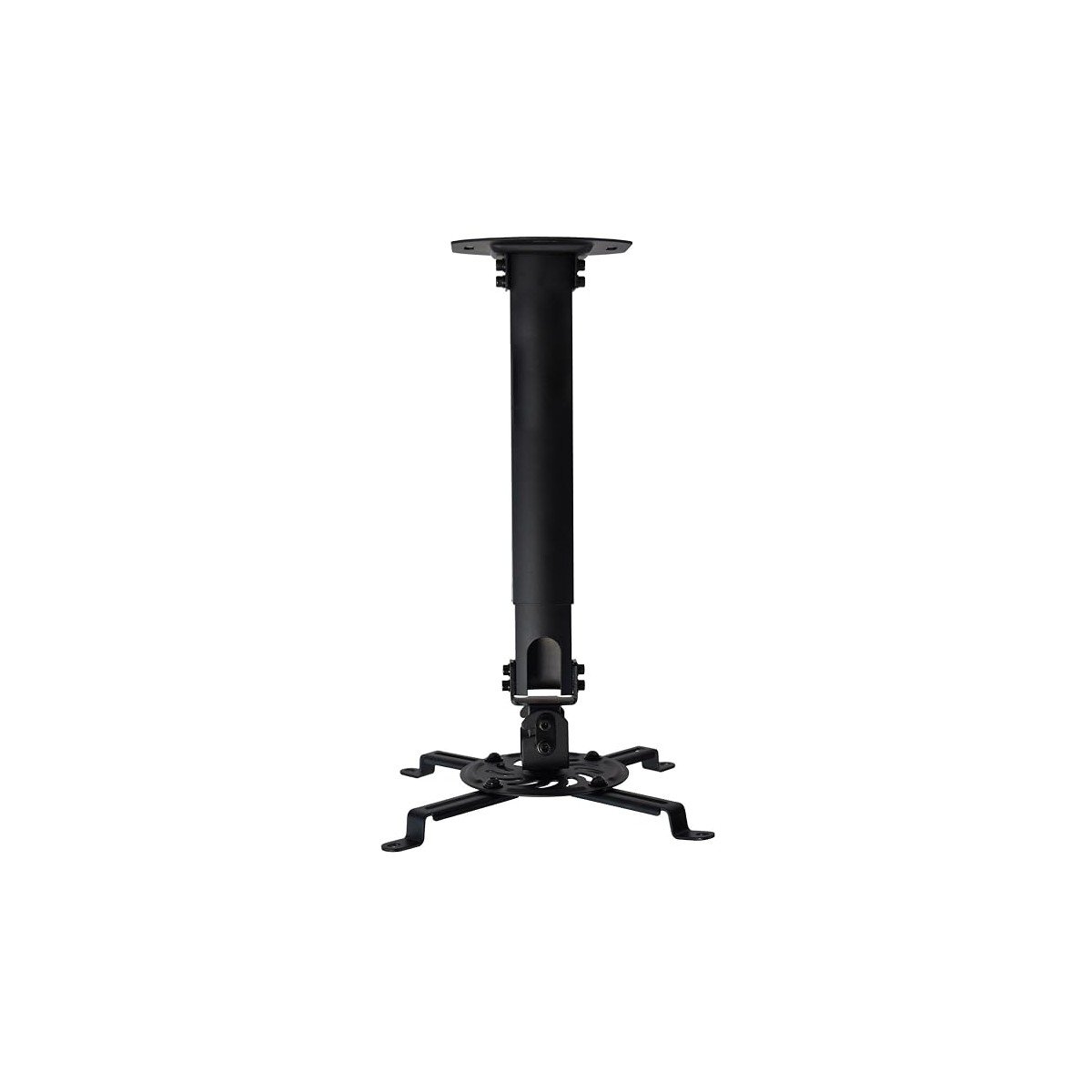
The VP02B takes the same universal idea and adds a telescoping pole. That extra adjustment matters when the ceiling is high, the screen sits lower on the wall or the projector lens needs to line up more precisely with the top of the image.
Specs
The 8 inch adjustment window suits many living rooms and theater rooms. Set the height before final tightening, then use tilt and rotation for fine alignment instead of heavy digital keystone correction.
Pros
Cons
Who should skip it: Skip it for a low ceiling where every inch of headroom matters. The fixed VP01B keeps the projector higher and looks cleaner.
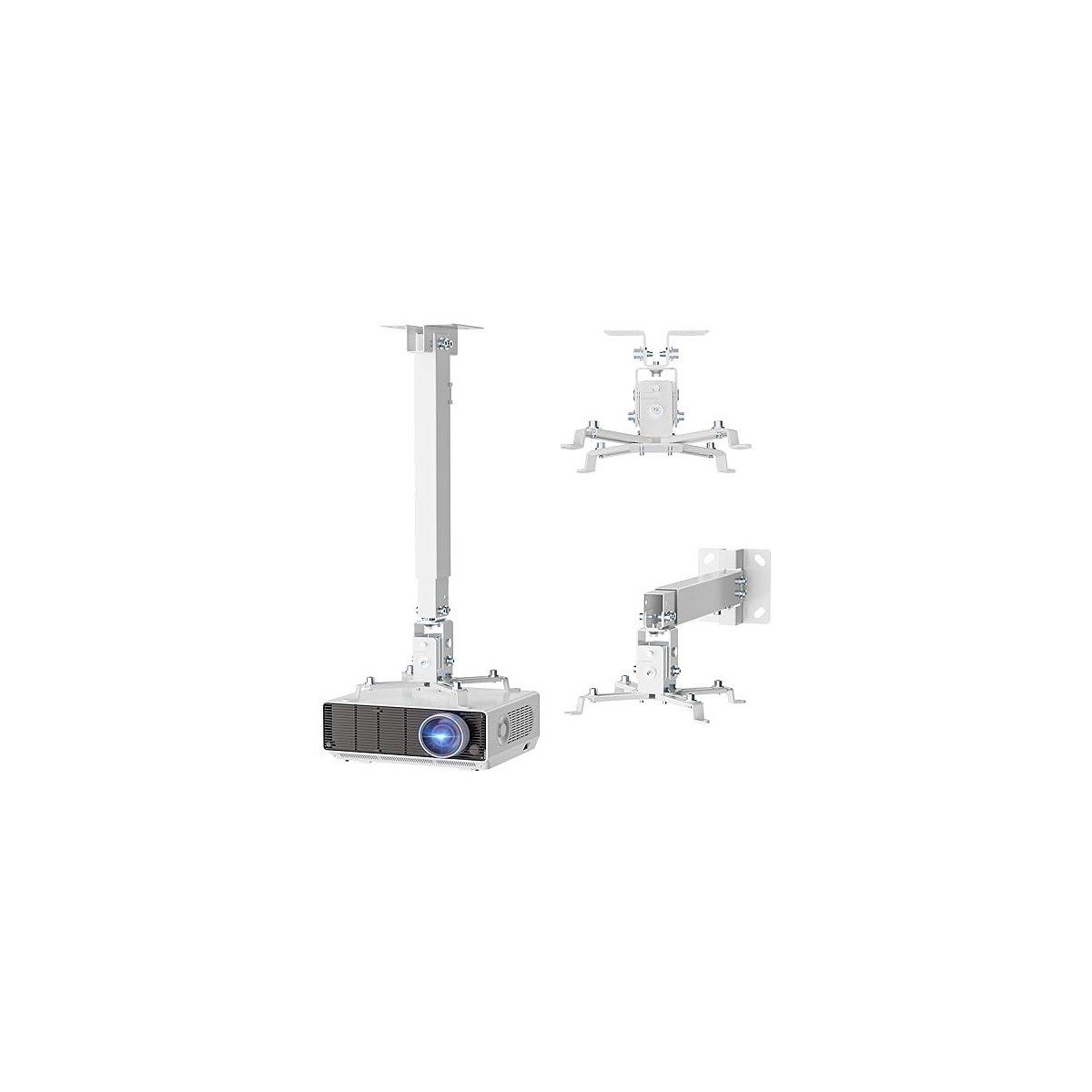
The WALI is the flexible problem solver here. It can mount flush to the ceiling, hang from an extension pole or attach to a wall, which helps in rented rooms, classrooms and multipurpose spaces.
Specs
WALI is clear about the limits. It does not support vaulted ceilings and should not be installed into plain drywall alone. It needs concrete, brick or a wood stud.
Pros
Cons
Who should skip it: Skip WALI if your projector has a very small hole pattern or uses a single threaded mount. Its minimum hole reach of 8.9 inches can also be too wide for some compact models.
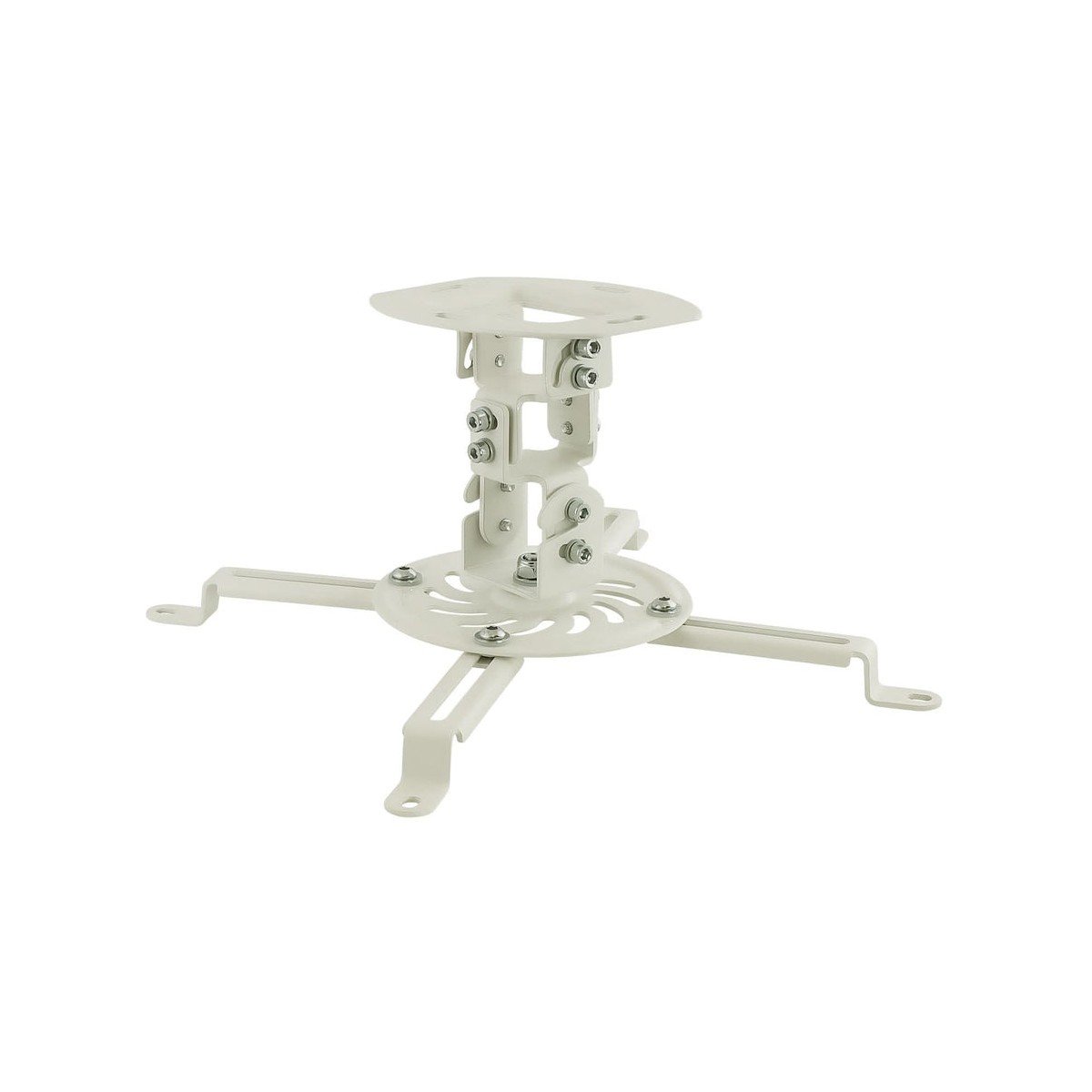
Mount-It! gives the low profile category a cleaner white option. The MI-606S holds the projector about 6 inches from the ceiling and uses cold rolled steel rather than a lighter bracket. It suits a living room where a black mount would stand out against a white ceiling.
Specs
Pros
Cons
Who should skip it: Skip the MI-606S if your projector weighs close to the limit once a mount plate or accessory is added. Move up to the 44 pound WALI for more headroom.
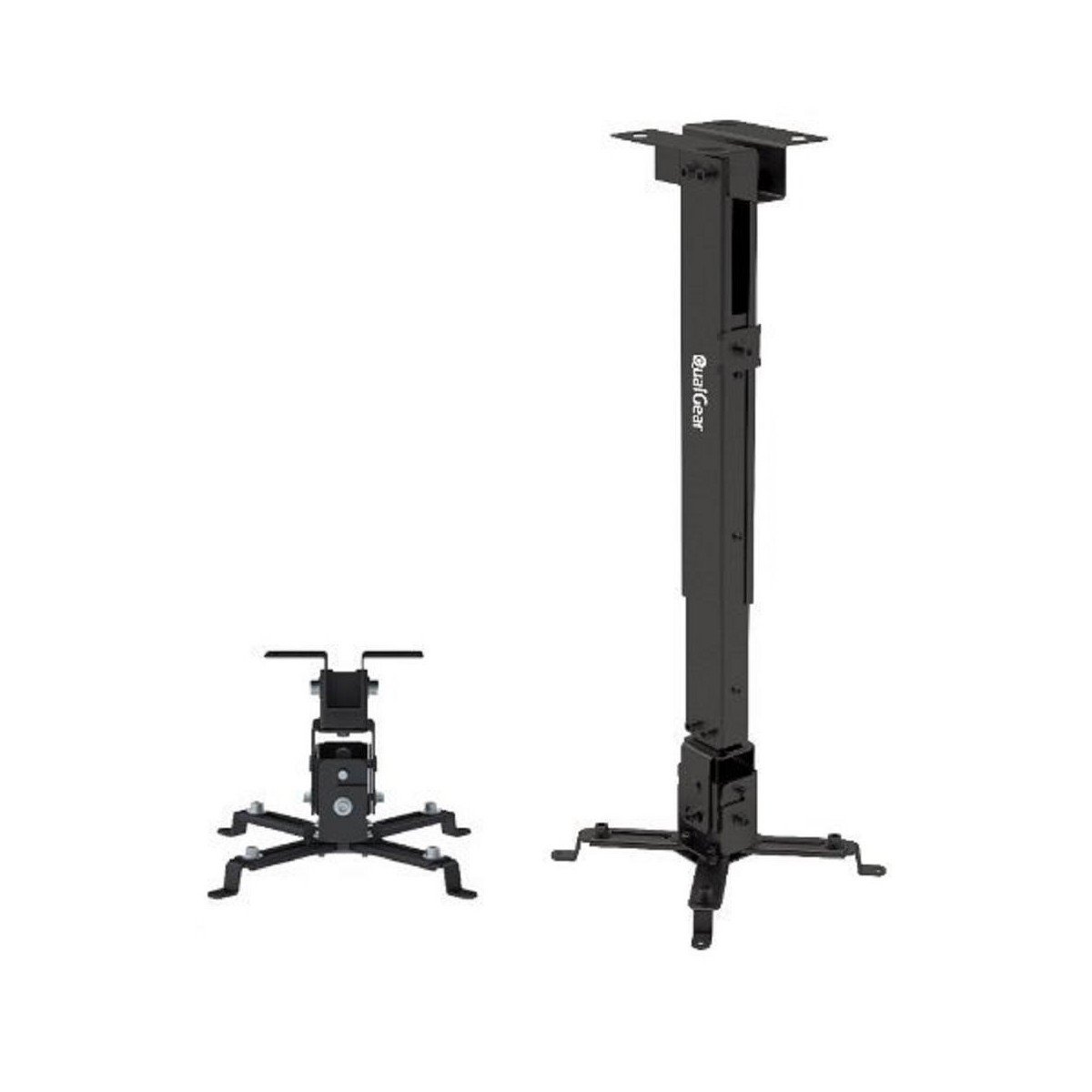
QualGear uses cold rolled steel and a two way design that can sit close to the ceiling or use a telescopic column. Manufacturer documents and retailer listings do not all publish the same maximum for this family, so this guide uses the conservative 29.7 pound figure as the working limit.
Specs
QualGear says steel produces less vibration than an equivalent aluminum mount. The wide arm reach also helps with larger home theater projectors.
Pros
Cons
Who should skip it: Skip QualGear if conflicting documentation bothers you or your projector is unusually heavy. The WALI has a clearer 44 pound rating and a simpler buying decision.
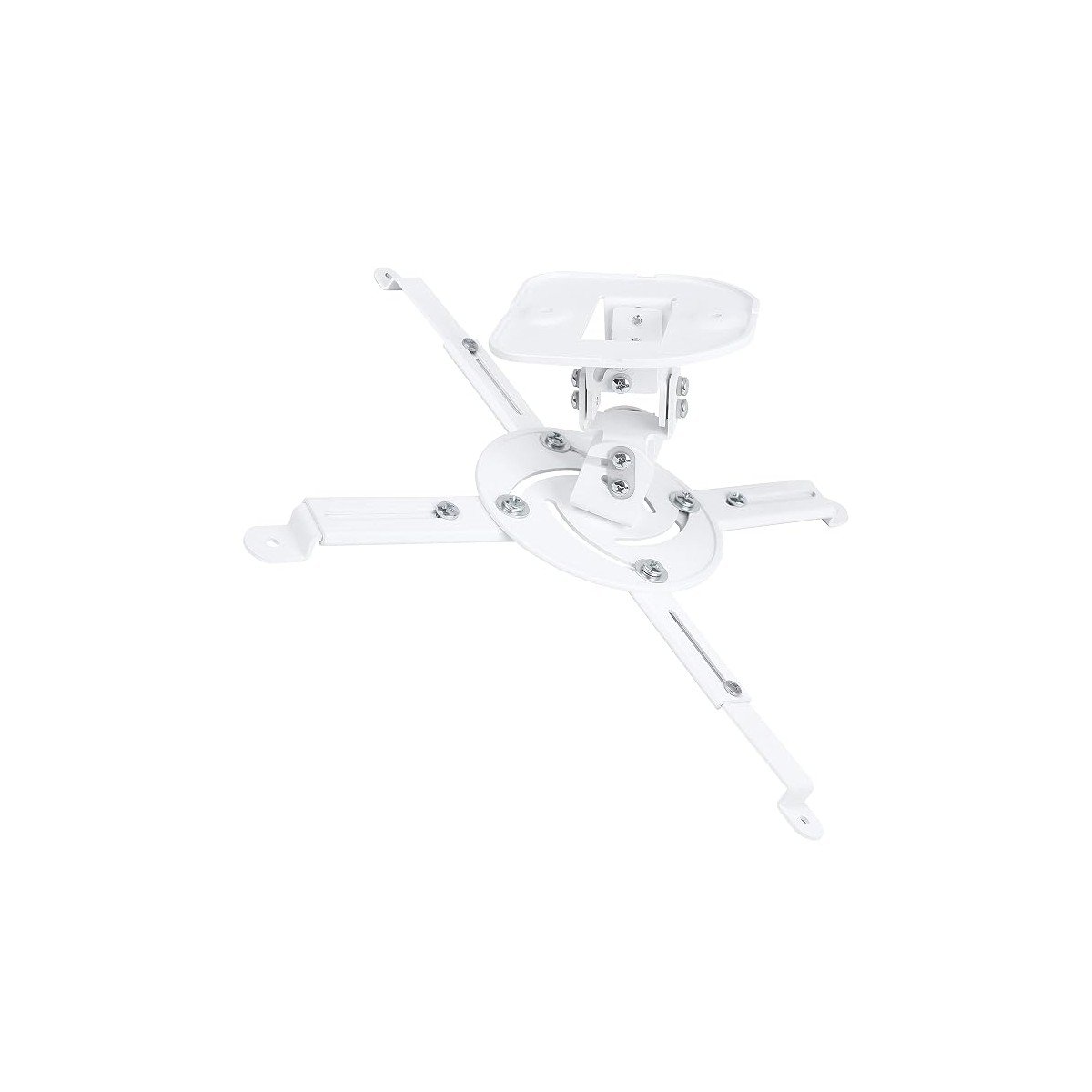
DYNAVISTA is the long drop specialist for high ceilings and screens mounted lower than usual. It is less widely discussed than VIVO or WALI, but useful when mainstream mounts stop several inches short.
Specs
Review sources commonly describe this as a 30 pound mount even though the listing gives a 33 pound maximum. Use the lower number for planning. A long pole also creates more leverage, so solid fixing matters more than with a flush mount.
Pros
Cons
Who should skip it: Skip DYNAVISTA for a standard 8 foot ceiling. A short mount will look better, cost less and give the projector less room to wobble.
Start with projector weight, then leave headroom. A mount rated at 30 pounds is not ideal for a projector that weighs nearly 30 pounds once cables and adapters are fitted.
Next, measure the greatest distance between the mounting holes. Universal spider arms look flexible, but each model has a minimum and maximum reach.
Then work out the drop. The lens usually needs to align with the upper part of the screen, subject to lens shift and throw distance. An extending mount lets you correct the geometry without heavy digital keystone, which reduces image quality.
Still choosing the projector? See our guide to mini portable projectors and check its weight and mounting pattern first.
Finally, fix into a ceiling joist, wood stud, concrete or brick. Toggle bolts in plain drywall are not a safe substitute over seating.
Buying on capacity alone. A 44 pound rating means nothing if the bracket arms cannot reach your projector’s mounting holes. Check hole spacing before anything else.
Mounting into plain drywall. The mount is only as strong as what it is fixed into. Joist, stud, concrete or brick, every time.
Fixing the mount before checking the image. Hang the projector, project onto the screen position, and confirm the throw distance and lens height work before you drill the final holes.
Using heavy keystone correction as the plan. A mount with the right drop and tilt keeps the image square on its own. Keystone fixes geometry by shrinking and softening the picture.
Compare projector weight, maximum hole spacing and screw size. Capacity must exceed the weight, and the arms must reach every hole without forcing the bracket.
No. Install into a ceiling joist, wood stud, concrete or brick. The mount rating does not make weak drywall stronger.
It depends on screen height, lens shift and throw distance. A 6 inch low profile mount works in many standard rooms. Use an extending mount when the lens needs to sit lower.
Some are, but check the mounting pattern first. Models with only a single tripod thread need a dedicated cage or tripod thread mount instead of a spider bracket.
Not by itself. Capacity, bracket stiffness, ceiling fixing and installation quality all matter. A 44 pound mount in drywall is less safe than a 30 pound mount fixed into a joist.




[…] to ceiling mount your pick? Our roundup of the best projector ceiling mounts compares weight capacity, drop range and fit for projectors exactly like […]