Physical Address
304 North Cardinal St.
Dorchester Center, MA 02124
Physical Address
304 North Cardinal St.
Dorchester Center, MA 02124

Updated November 2026
As an Amazon Associate, Wunely earns from qualifying purchases made through links on this page, at no extra cost to you.
Short answer: most people should get the VIVO STAND-V002. It costs about thirty five dollars, clamps to the back of the desk, holds two screens up to 30 inches at 22 pounds each, and owners keep it for years because it simply stays put. If you move your screens daily, step up to the gas spring HUANUO HNDS6. If you cannot clamp to your desk, skip to the freestanding VIVO STAND-V002F or WALI MF002. If your monitors have no VESA holes, the FITUEYES wooden riser at the end is the honest workaround.
A dual monitor stand is really three products in one name: a clamp on arm, a freestanding stand, and a riser shelf. The seven picks below cover all three, each with its exact VESA pattern, weight limit and screen size.
| Product | Type | VESA | Capacity per arm | Max screen | Price checked Nov 9, 2026 | Best for |
|---|---|---|---|---|---|---|
| VIVO STAND-V002 | Desk clamp arm | 75×75, 100×100 | 22 lbs | 30 inch | $34.99 | Best value for most desks |
| HUANUO HNDS6 FlowLift | Desk clamp, gas spring | 75×75, 100×100 | 4.4 to 19.8 lbs | 32 inch | $59.99 | Moving screens often |
| Ergotron LX Dual Stacking Arm 45-248-026 | Desk clamp, stacking | 75×75, 100×100 | 7 to 20 lbs | 24 inch stacked | $429.99 | Premium build, 10 year warranty |
| ErGear EGDS2 | Desk clamp, gas spring | 75×75, 100×100 | 4.4 to 26.4 lbs | 40 inch | $89.98 | Big and heavy screens, USB ports |
| VIVO STAND-V002F | Freestanding | 75×75, 100×100 | 22 lbs | 27 inch | $34.99 | No clamp allowed |
| WALI MF002 | Freestanding | 75×75, 100×100 | 22 lbs | 27 inch | $31.99 | Cheapest freestanding route |
| FITUEYES DT108001WB | Wooden riser shelf | None, screens sit on top | 55 lbs total | Two screens side by side | — | No VESA holes, extra storage |
We started with what owners actually keep. The VIVO V002 and the Ergotron LX come up constantly in r/battlestations and r/Monitors threads, one as the budget default and the other as the buy once option. The HUANUO and ErGear arms earned their places as the gas spring upgrades people move to next.
Then we added picks most roundups skip: two freestanding stands for desks that cannot take a clamp, and one wooden riser for monitors with no VESA holes. Every figure below comes from the manufacturer spec.
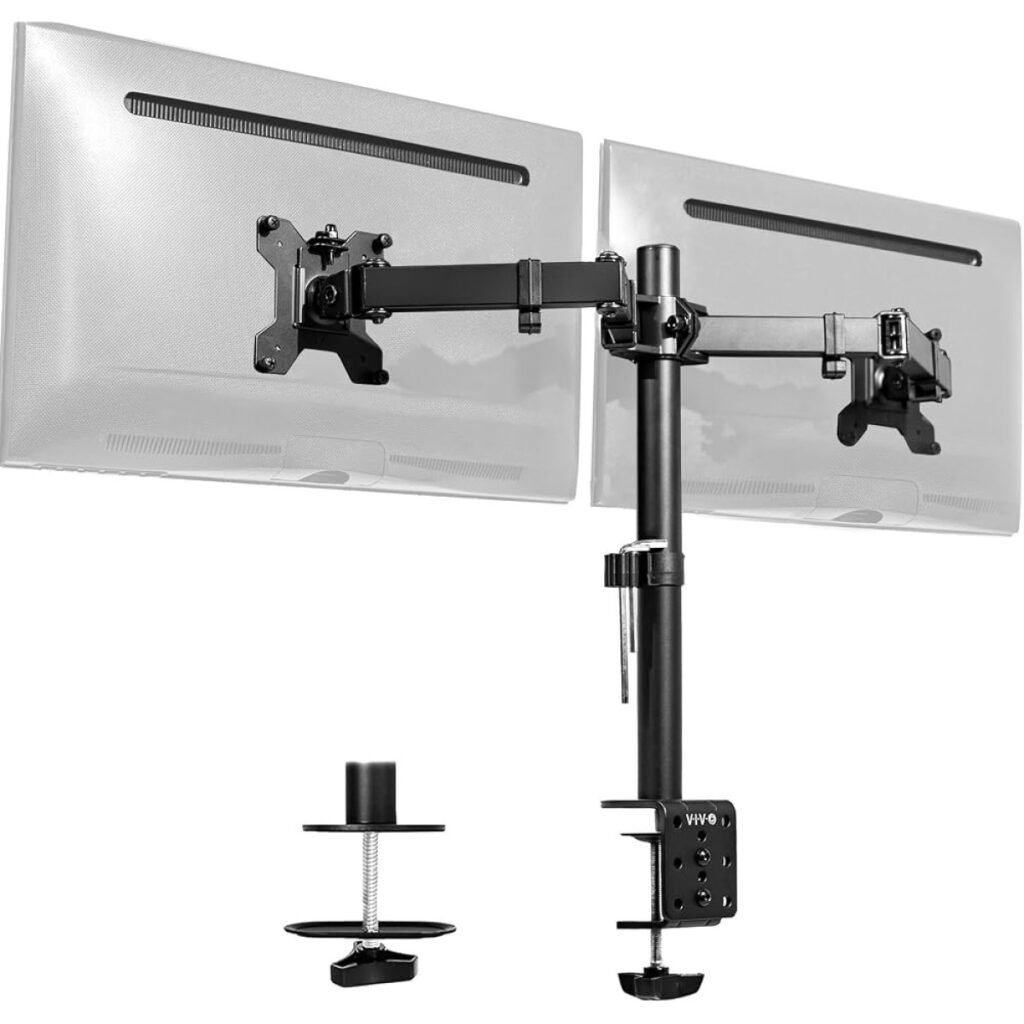
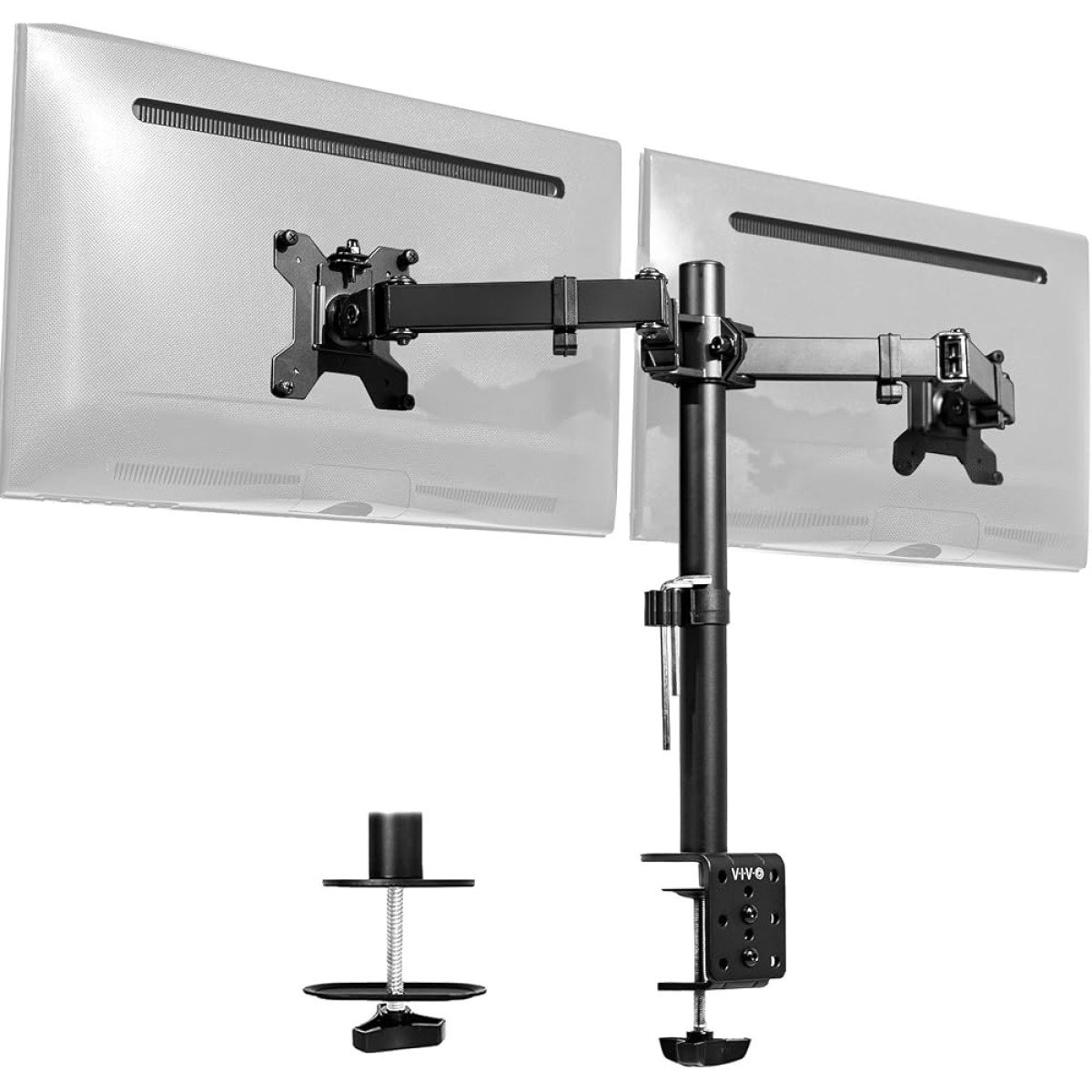
The mount we would hand to most people. Two steel arms on a centre pole, one clamp at the back of the desk, and both monitors float while the space underneath becomes usable again. Owners have bought this exact model for over a decade.
The specs that matter:
Height is set on the pole and each arm tilts, swivels and rotates to portrait. It does not glide, though. Repositioning means loosening, moving and tightening, so it suits a setup you dial in once and leave alone.
Pros
Cons
Who should skip it: anyone who moves a screen forward and back every day. Get the HUANUO below instead.
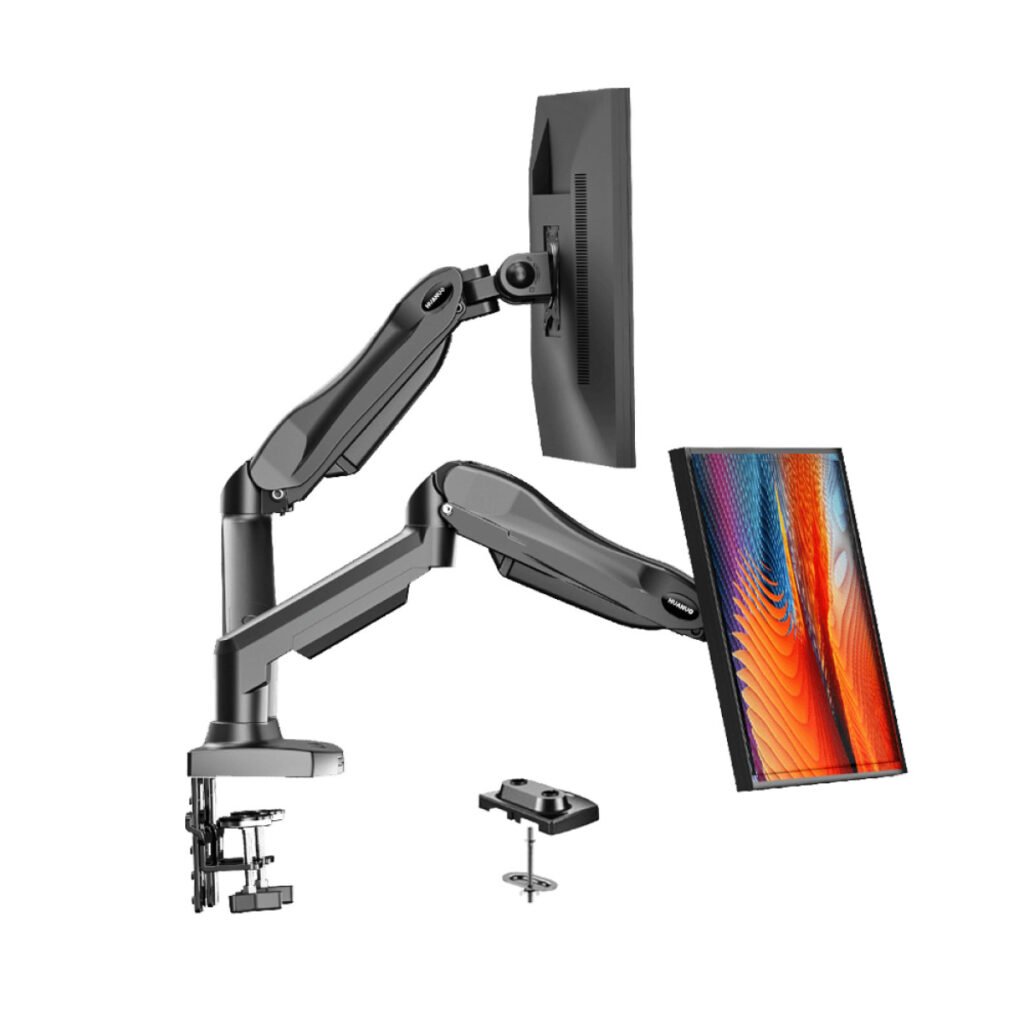
The step up for people who actually move their monitors. Each arm is gas spring loaded, so a screen lifts, drops and swings with one hand and holds where you leave it. That matters on a shared desk or a sit stand setup.
The specs that matter:
Read the weight range carefully. Under 4.4 lbs a monitor can float upward, and near 19.8 lbs it will sag if the tension is off. Most 24 to 27 inch monitors sit mid range, where this arm feels best.
Pros
Cons
Who should skip it: fixed setups on a tight budget. If your screens never move, the VIVO does the same job for less.
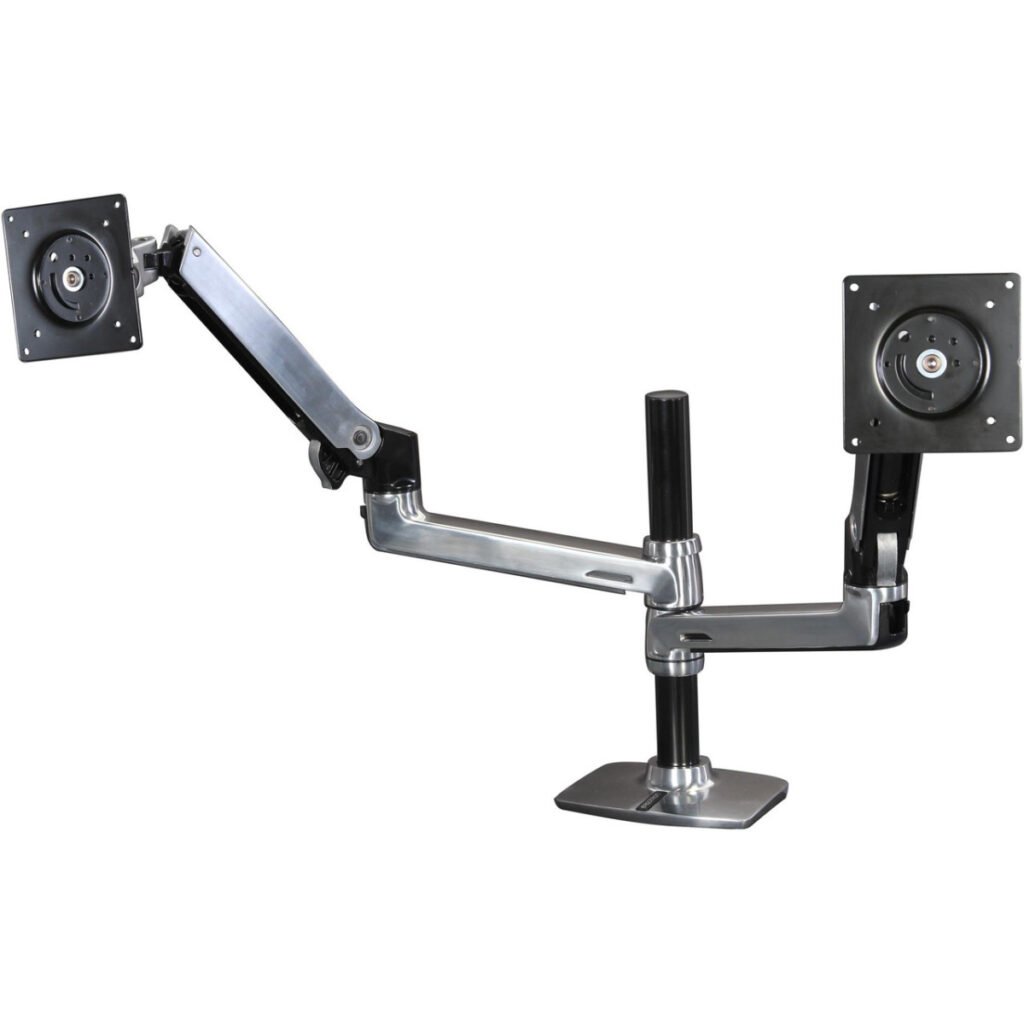
The name offices buy when the mount has to outlast the monitors. Both screens stack on one pole, one above the other or side by side, with 13 inches of lift and motion that stays tight for years. Ergotron backs it with a 10 year warranty, and this polished aluminium version includes a notebook tray.
The specs that matter:
The catch is that stacking limit. Each display must be no more than about 14 inches tall outside, which rules out most 27 inch pairs. Buy it for two 24 inch screens, or a monitor over a laptop, and it makes sense.
Pros
Cons
Who should skip it: almost everyone on value grounds. This is a buy once purchase for a desk you will keep for years.
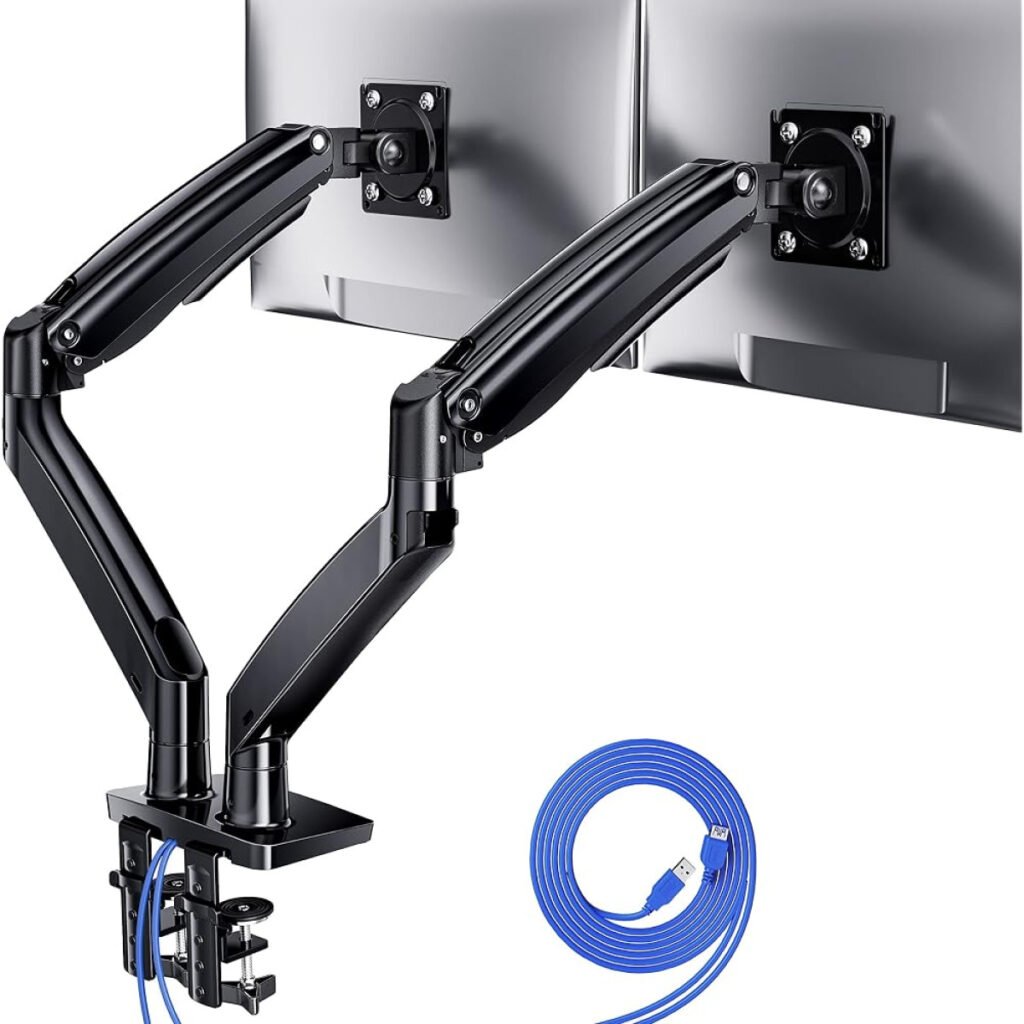
The pick most roundups miss, built for heavy screens. Each arm is rated 4.4 to 26.4 lbs, the highest per arm figure here, for large flat and curved panels rated up to 40 inches. USB ports in the base save reaching behind the PC.
The specs that matter:
Each arm extends up to 25.6 inches and the VESA joint reaches 21 inches above the desk, so it suits deep desks where cheaper arms leave screens too far back.
Pros
Cons
Who should skip it: anyone with two ordinary 24 or 27 inch screens. The HUANUO handles those for thirty dollars less.
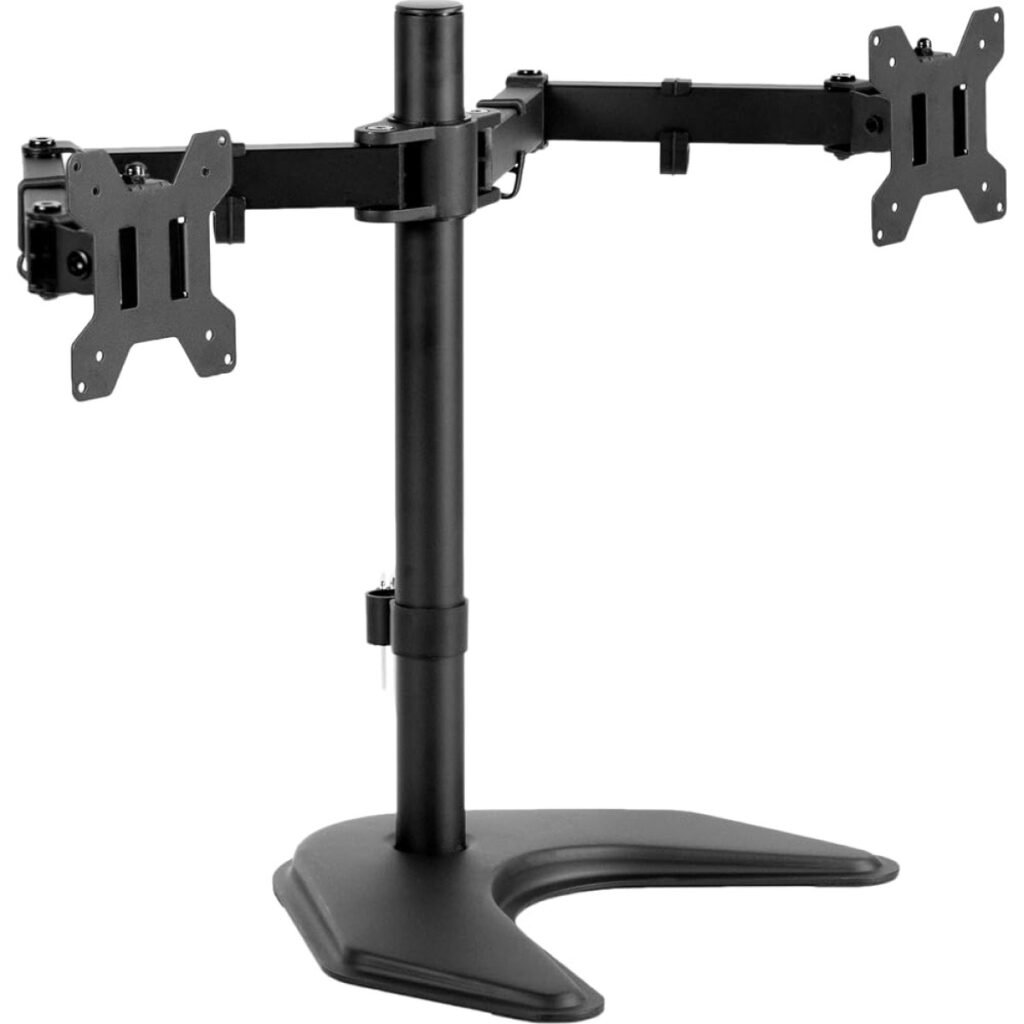
Same idea as the first pick, with one key difference: nothing clamps to your desk. The arms and pole sit on a wide freestanding base, which is the right answer for glass desks, thick decorative edges and rented offices.
The specs that matter:
The trade is desk space. The base sits where a monitor stand would sit anyway, so you gain height and adjustment but not a fully clear desk. In return, you can move the whole setup to another desk in minutes.
Pros
Cons
Who should skip it: anyone chasing the floating look on a standard wooden desk. The clamp version looks cleaner.
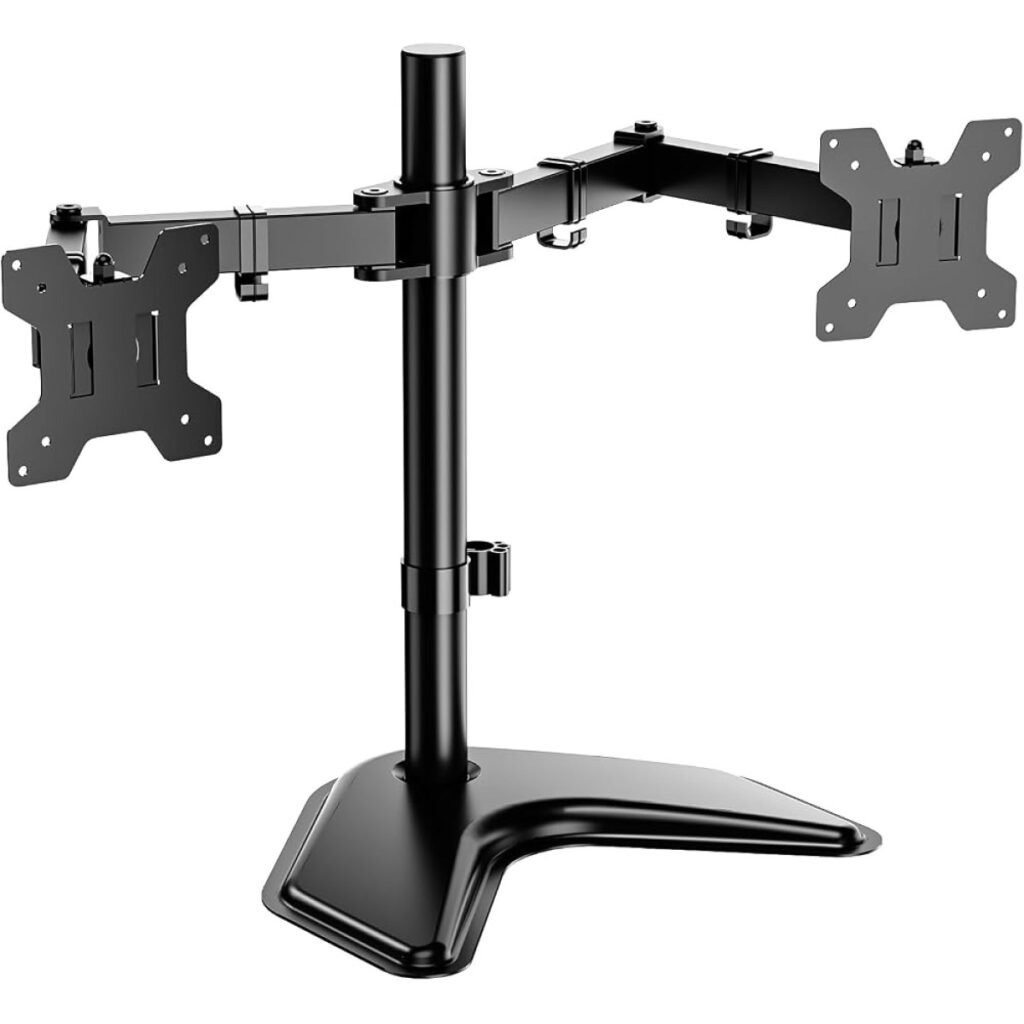
The same freestanding job as the VIVO above, for a few dollars less, on a V shaped base. A long running budget model, and the cheapest honest way to get two screens off their stock stands without a clamp.
The specs that matter:
Height adjusts on a 16 inch centre pole and each plate tilts, swivels and rotates to portrait. Against the VIVO freestanding model the difference is small: pick on price, and on which base shape fits your desk.
Pros
Cons
Who should skip it: buyers with 32 inch screens. Neither freestanding pick is rated for them, so look at the ErGear.
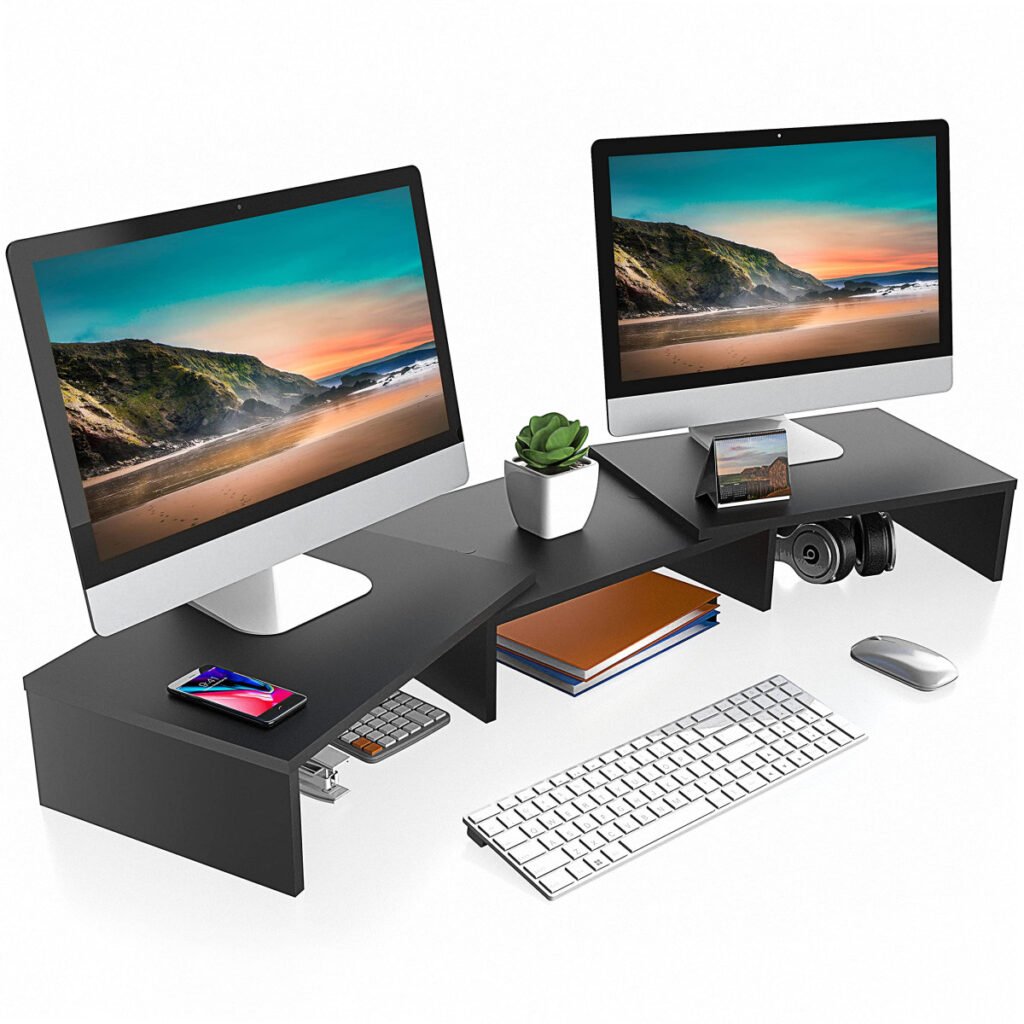
Not an arm at all, and that is why it is here. This three shelf wooden platform, adjustable from about 36.4 to 46.7 inches wide, lifts both monitors on their own stands by about 4 inches and adds storage underneath. If your monitors have no VESA holes, this is the stand that still works.
The specs that matter:
You give up real adjustment: height is fixed and angles are whatever your monitor stands allow. You get back storage, simplicity and a setup that works with any two monitors.
Pros
Cons
Who should skip it: anyone whose monitors do have VESA mounts and wants them floating. Every arm above does that job better.
Start with the VESA pattern. Look for four screw holes in a square on the back of each monitor. Most use 75×75 mm or 100×100 mm, and every arm here covers both. No holes means no arm: your options are the FITUEYES riser or new monitors. Some monitors hide the holes under a snap off cover, so check first.
Weigh your monitors, stand removed. A 27 inch monitor usually weighs 9 to 14 lbs without its stand, which every pick here handles. Match panel weight to the per arm limit, and on gas spring arms check the minimum too, because a screen that is too light will not stay down.
Measure your desk edge. Clamp mounts need a clear, solid edge on a desk that is not hollow or glass. A bevel, cable tray or frame in the way points you to a freestanding stand.
Decide if you will move the screens. Gas spring arms cost more because movement is the product. If the monitors will sit in one spot for months, a pole mount like the VIVO V002 is the sensible buy.
Buying on screen size alone. Arms fail on weight, not width. A light 32 inch panel can be fine on a 19.8 lb arm while a heavy 27 inch gaming monitor pushes the same arm to its limit. Match weight first.
Forgetting the minimum weight on gas spring arms. Capacity is a range, not just a ceiling. A featherweight monitor on a strong gas arm floats up. Light screens hold better on a fixed pole mount.
Assuming both monitors are the same. Mixed setups are common, and the older panel is often the one with no VESA holes or an unexpected weight. Check both backs first.
Clamping to a weak desk. A dual arm concentrates two monitors of weight on one small clamp point. Thin hollow core desktops and glass tops can crack or flex. Use a reinforcement plate, or go freestanding.
Ignoring where the screens will sit. Two 27 inch monitors are wider than most people expect, and on a shallow desk they can end up too close to your face. Measure first.
No. Your monitor needs a VESA pattern, usually 75×75 mm or 100×100 mm, on its back panel. If it has no holes and no manufacturer adapter, use a riser shelf like the FITUEYES pick instead of an arm.
Clamp, for most desks: it frees the whole desktop and holds screens more rigidly. Freestanding wins when you cannot clamp, on glass desks, thick edges, rented furniture, or a setup you move between desks.
It goes by arm, not by the pair. The budget arms here hold 22 lbs per arm, the HUANUO up to 19.8 lbs per arm, and the ErGear EGDS2 up to 26.4 lbs per arm. Weigh each monitor without its stand.
Yes, if each screen is inside the arm limits for size and weight and both use a supported VESA pattern. A big size gap can feel awkward, but it works.
Plan for at least 55 inches of width and enough depth for the screens to sit about an arm length away. A 47 inch desk fits them, but the outer edges angle in sharply and space gets tight.
Only if you move the screens. For a fixed setup a pole mount holds position just as well for half the price. For a shared desk or daily portrait rotation, the gas spring pays for itself fast.